


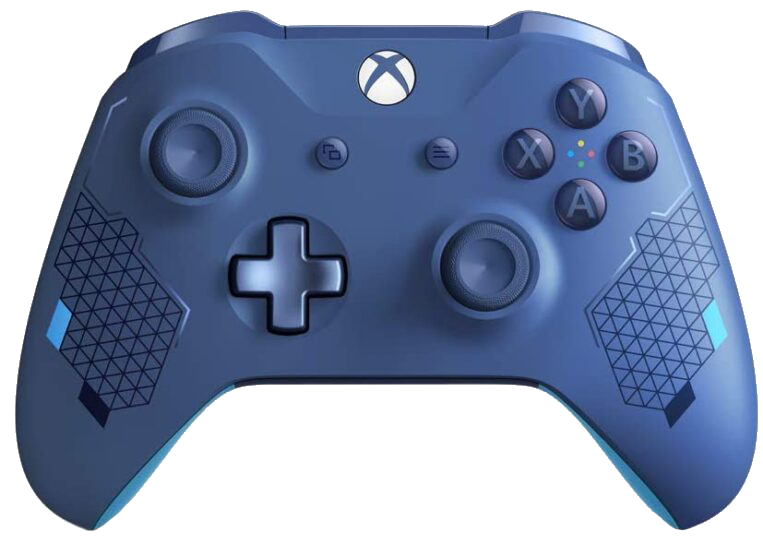
How to install XBOX One S Controller over bluetooth
NOTE: Before starting this guide you need to connect your Xbox One Controller to a Windows 10 PC via USB cable, so your controller gets a firmware update.
Press F4 to get into the Command Line then type in:
sudo nano /opt/retropie/configs/all/autostart.sh
Scroll upwards and press Enter to create a line before the “emulation station” line then type in:
sudo bash -c ‘echo 1 > /sys/module/bluetooth/parameters/disable_ertm’
Once your done, press Ctrl + X then Y then Enter to save what you’ve just done.
Then: Create a new file using nano…
sudo nano /etc/modprobe.d/bluetooth.conf
Add a single line to the new file
options bluetooth disable_ertm=Y
Exit nano, saving the file in the process.
Perform a full reboot by typing in:
sudo reboot